Earth Notes: On DC and USB Power Meters: Review
Updated 2023-02-19.To measure the power used by a mains-powered gadget or appliance, use a plug-in meter.
For a non-mains gadget that can be powered from a power adapter, such as USB, as long as the adapter is efficient, power the gadget from the adapter and plug the adapter into a plug-in meter.
For something that can be powered from 12V nominal, directly or (say) via an efficient 12V car USB adapter, I can with care measure power draw by plugging it into my off-grid system, then subtracting whatever power everything else is drawing at the time, eg with the server quiet and dump loads turned off. 
 LIVE off-grid power graph. Adding a load to be measured and then subtracting (quiet) server power draw works reasonably well, though using sped-up logger samples, rather than reading off the graph!
But it is better to get closer to the device and measure down-stream of any adapter or converter where possible.
A multimeter simply is not meaty enough to measure large current draws without dropping enough voltage to disturb the device under test (DUT).
E-flite
Back in 2007 I used my E-flite meter to measure the power draw of my laptop-as-server to its 12V input. (As well as measure my off-grid battery's voltage!) 
I measured the consumption at 5V of the laptop-server's successor, the SheevaPlug, with the E-flite also.
Muker
A more recent acquisition, in 2018, was the Muker. It has a USB-A plug input, and two female USB-A sockets. 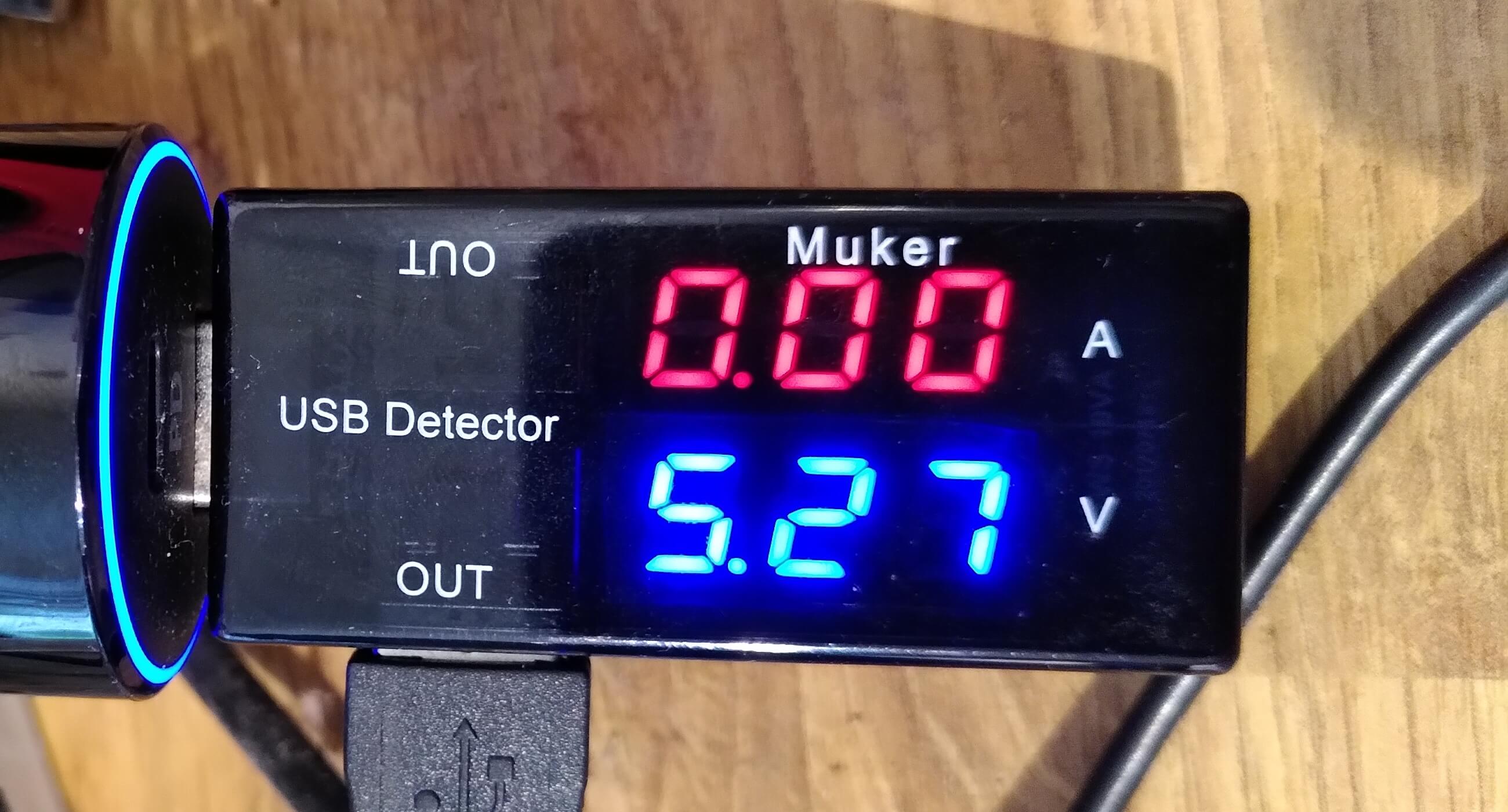
I haven't used it as much as I'd like, but I did for example establish that a USB-A to micro-USB cable, even a good one from RS, did not seem meaty enough to properly power my Raspberry Pi 3B+.
Satechi
Anticipating a rushed upgrade to a Pi4, which is USB-C powered, I wanted to measure and tune its power consumption. Given the implicit recommendation of a site that I trust, I bought the Satechi in 2020-06.
(Satechi photos including unboxing and packshots.)


Satechi nice features out of the box:
- It is tiny, and can probably plug into many places without physically blocking adjacent ports for example.
- The Satechi can handle power flow in both directions and show the direction with an arrow on the display, which is clever.
Satechi quibbles:
- The display is not very bright.
- The plug does not seem to grip tightly in the places I have tried so far, and feels like it could fall out. Not something I expect with USB.
- The minimum current it shows is 10mA or 20mA even with no load.
- The interesting cumulative mAh display may not be much use given that the voltage can vary, nominally up to 20V with Power Delivery.